Graphic Design Course
Best Graphic Design Course in Jodhpur | Offline + Certificate
About the Graphic Design Course
Jumpstart your creative career with the best Graphic Design Course in Jodhpur – offline classroom training with certificates . Learn essential design tools like Photoshop, Illustrator, InDesign, CorelDRAW, and Canva along with professional photography skills from expert instructors right here in Jodhpur. This hands-on course includes real projects, expert guidance, and a recognized certificate to help you get job ready or start freelance work in design and media.
After completing this graphic design course, students can build a career as a graphic designer, social media designer, branding designer, or creative executive . This course also helps you start freelancing, work with digital marketing agencies, printing houses, media studios , or even grow your own design business. With strong software skills and practical experience, you can confidently work in multiple creative industries.
What You Will Learn
Module-wise curriculum – tap a module to see every topic.
4 modules · 142 topics
- All about the welcome screen
- Move and Artboard tool
- All about layer panel
- Brush tool
- Crop tool
- Clone stamp tool
- Healing tool
- Content-aware fill
- Eraser tool
- Blur, Sharpen, Smudge tool
- Layer Mask
- Black and White Color
- History Panel and History Brush
- Clipping mask
- Dodge, Burn and Sponge tool
- Gradient and Patterns
- Blending options/layer styles
- How to make layer styles
- Vanishing point filter and blend
- Useful websites
- Perspective warp
- Face aware liquify
- Puppet warp
- Align layers
- Remove matte from layer
- Stroke on path
- Anti-aliasing
- Fill layers
- Vector Shapes, Vector smart object
- Raster smart object
- How to save files and export jpeg/png
- How to extract hair with select and mask
- Color channels
- Differences between RGB & CMYK
- Adjustments Sharpen an image
- Change color of any object
- Convert day scene to night
- Gradient map
- Make your own lookup tables
- Custom brushes
- Make professional actions
- Play actions on 100s of images
- Design poster
- How to blur background
- Portrait development and skin retouch
- Shadows in Photoshop
- Double exposures
- Color balance to match the tone of images
- Alpha channel in Photoshop
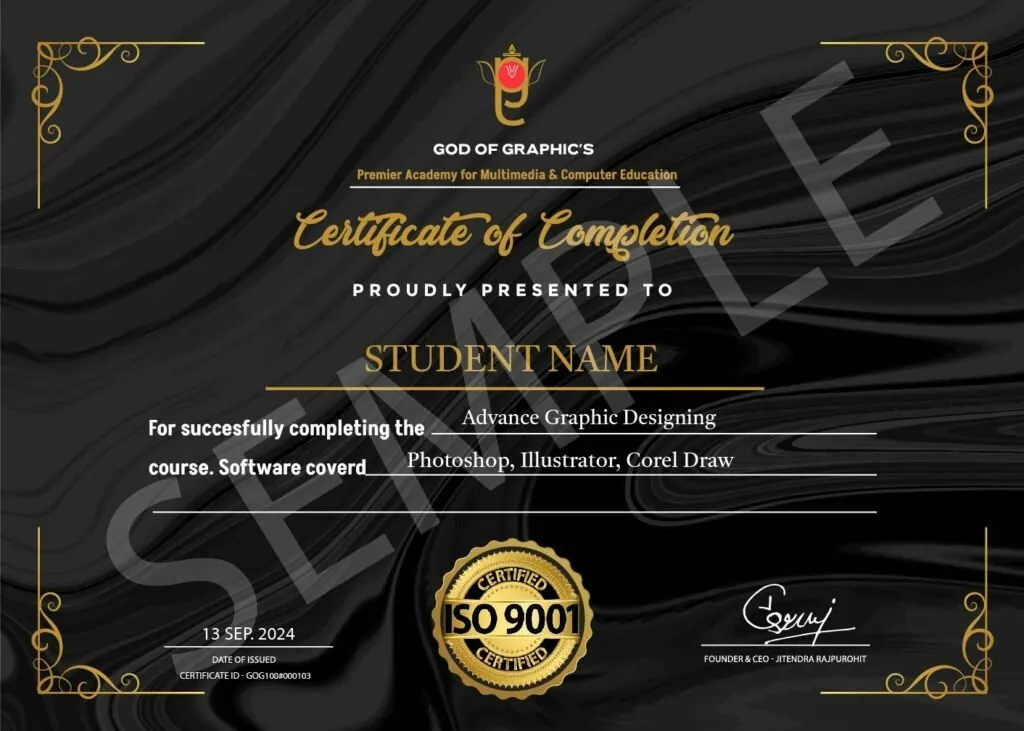
Get a certificate employers can verify
Finish the course and receive a God of Graphics certificate. Anyone can check it online with our Validate Certificate tool.
Frequently Asked Questions
A Graphic Design Course is a structured learning program that teaches you how to create visually appealing designs using tools like Photoshop, Illustrator, and CorelDRAW . It covers essential design principles such as color theory, typography, branding, and layout design to help you craft eye-catching graphics for businesses, social media, websites, and more. Whether you're a beginner or looking to upgrade your skills, a Graphic Design Course provides hands-on training, real-world projects, and expert guidance to turn your creativity into a career. From logo design to digital marketing graphics , this course equips you with everything needed to become a professional designer.
Start your Graphic Design journey
Limited seats in every batch. Apply now or talk to a counsellor.