Video Editing Course
Video Editing Course in Jodhpur Certificate & Practical Training
About the Video Editing Course
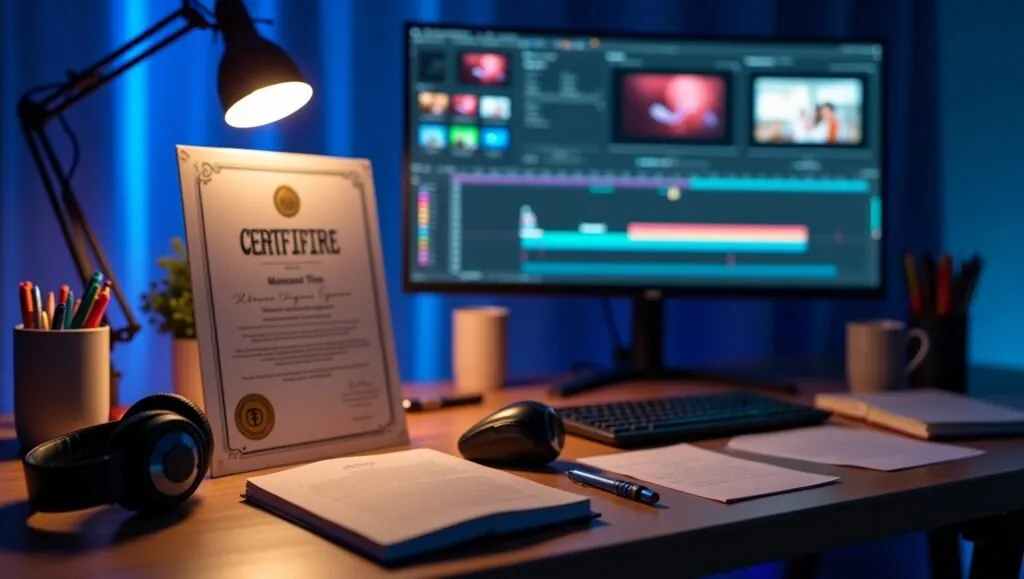
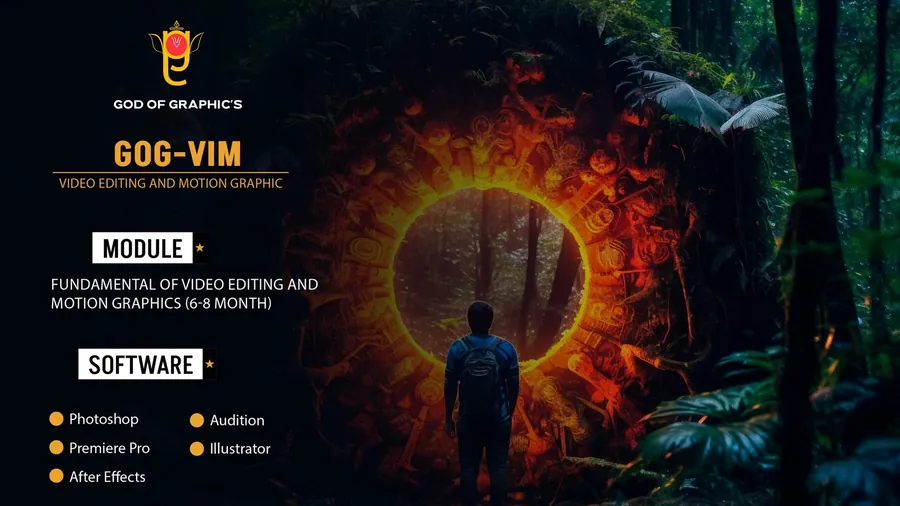
Start your creative journey with the best video editing course in Jodhpur designed for editors. Learn professional storytelling, transitions, color correction, sound design, and complete editing workflow using industry-standard tools like Adobe Photoshop, Premiere Pro, DaVinci Resolve, Adobe Audition, and AI-powered editing techniques , with expert guidance. This program also includes free filmmaking training to help you understand real production, shooting, and creative direction along with editing skills.
This course includes studio practice, real project editing, portfolio development, and a recognized certificate to help you build a career in filmmaking, YouTube content creation, social media editing, and freelance video production.
What You Will Learn
Module-wise curriculum – tap a module to see every topic.
4 modules · 119 topics
- All about the welcome screen
- Move and Artboard tool
- All about layer panel
- Brush tool
- Crop tool
- Clone stamp tool
- Healing tool
- Content-aware fill
- Eraser tool
- Blur, Sharpen, Smudge tool
- Layer Mask
- Black and White Color
- History Panel and History Brush
- Clipping mask
- Dodge, Burn and Sponge tool
- Gradient and Patterns
- Blending options/layer styles
- How to make layer styles
- Vanishing point filter and blend
- Useful websites
- Perspective warp
- Face aware liquify
- Puppet warp
- Align layers
- Remove matte from layer
- Stroke on path
- Anti-aliasing
- Fill layers
- Vector Shapes, Vector smart object
- Raster smart object
- How to save files and export jpeg/png
- How to extract hair with select and mask
- Color channels
- Differences between RGB & CMYK
- Adjustments Sharpen an image
- Change color of any object
- Convert day scene to night
- Gradient map
- Make your own lookup tables
- Custom brushes
- Make professional actions
- Play actions on 100s of images
- Design poster
- How to blur background
- Portrait development and skin retouch
- Shadows in Photoshop
- Double exposures
- Color balance to match the tone of images
- Alpha channel in Photoshop
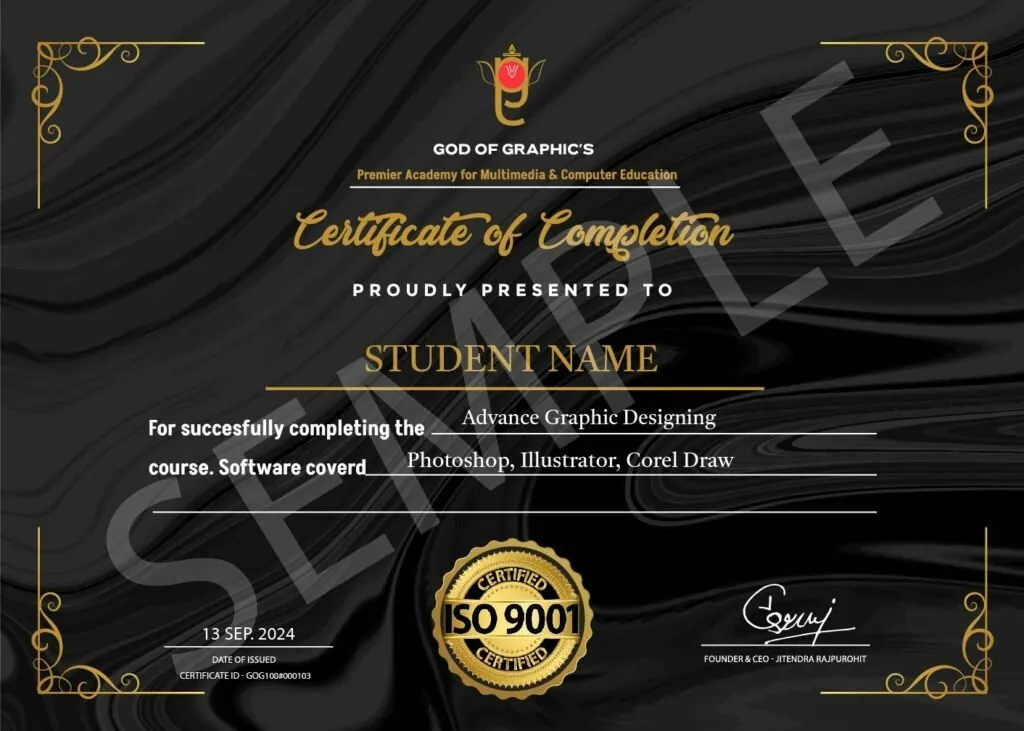
Get a certificate employers can verify
Finish the course and receive a God of Graphics certificate. Anyone can check it online with our Validate Certificate tool.
Frequently Asked Questions
A Video Editing Course teaches you how to turn raw footage into engaging videos using professional software like Adobe Premiere Pro or Final Cut Pro . Whether you're a beginner or aspiring editor, you'll learn essential skills like cutting, transitions, effects, and color grading. Perfect for content creators, filmmakers, and social media enthusiasts, a Video Editing Course helps you create high-quality videos and boost your career.
Start your Video Editing journey
Limited seats in every batch. Apply now or talk to a counsellor.